Why ASCII needs a code block on Discord
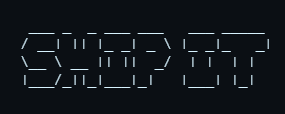
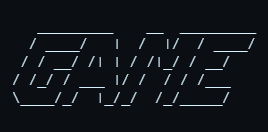
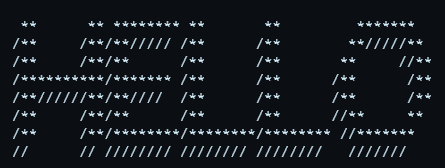
Discord renders normal chat text in a proportional font, where an i is narrower than an m. ASCII art relies on every character being the same width, so in normal text it collapses into a crooked mess. Wrap it in a triple-backtick code block and Discord switches to a monospace font, locking the alignment so the art looks exactly as generated.
How to paste it
Type three backticks, press Enter, paste your ASCII, then close with three more backticks:
```
 /\_/\
( o.o )
 > ^ <
```
On mobile the backtick lives under the symbols keyboard. If you cannot find it, the copy-paste banners below are pre-sized to drop straight in.
Width is everything on Discord
Measured with your full text, case and frame. Check the result on the destination device.
Good uses
- Server welcome banners and rules headers.
- Role dividers and channel section markers.
- Status tags like
[ ONLINE ]or< AFK >. - Small reaction art and mascots.
Remember that animated or coloured output will not survive — Discord code blocks are plain monochrome text. Keep it simple and it will look sharp for everyone.